

✖
Hire Dedicated Virtual Assistants Managed Just for You
Hire skilled VAs to streamline your tasks and achieve more every day. Get started in just 24 hours to save up to 50% on operational cost. Transform your operations while cutting costs significantly.
Have us worry about the FULFILMENT while you focus on scaling.
What We Specialize in

Standalone Virtual Assistants
Our standalone virtual assistants are here to help you stay organized, manage workflows, and get things done, without the hassle.

Complete White-Label Fulfillment Team
Our white-label fulfillment team handles all your backend operations, from GHL setup, marketing, and development, without your clients ever knowing.

Done-For-You Marketing Service
We handle your marketing from start to finish, so you can focus on growing your business. Simple, effective, and stress-free.














Fuel Your Growth with Industry-Savvy, Affordable Virtual Assistants.
Perfectly Suited For
01
Digital Marketing Agency Owners
Maximize ROI with tailored marketing support.
02
Social Media Marketing Agency Owners
Scale campaigns efficiently with expert assistance.
03
Local Businesses
Increase local reach and customer engagement.
04
SaaS Businesses
Optimize operations and accelerate SaaS growth.
Gohigh Level Certified Admins

Your Secret Weapon for GoHighLevel Success!
We’re the only Company dedicated solely to GoHighLevel CRM mastery—offering certified experts, hands-on support, and onboarding specialists to turn your CRM into a growth engine.







As Featured On




















Industry's Most In-Demand Experts all at just $5/hour

GHL Experts
Our GoHighLevel experts optimize CRM workflows, build high-converting funnels, and automate your business. They’ll streamline your processes and help you achieve real results quickly and efficiently.

AI Bot Developers
Specializing in AI-powered systems, our developers create intelligent bots, automate workflows, and integrate tools like GoHighLevel and Zoho—providing smarter solutions to improve your efficiency.

No-Code Developers
Our no-code developers build powerful solutions without writing a single line of code. Whether it's apps, automations, or custom workflows, we bring your ideas to life faster and without the coding hassle.

WordPress Developers
Our WordPress developers create custom websites, optimize performance, and ensure seamless user experiences. From landing pages to full-scale sites, we’ll bring your vision to life with precision and speed.

N8N Experts
Our N8N experts specialize in automation, integrating tools and systems to streamline your workflows. Whether it’s integrating CRMs, marketing platforms, or custom processes, we’ll help you automate your business operations effortlessly.

Account Managers
Perfect for SaaS agency owners, our account managers handle onboarding, client success, and team coordination. They ensure smooth operations while you focus on growing your business.

Video Editors
Our video editors create high-quality edits for your brand, social media, and ads. Using AI-powered tools, we ensure your content stands out and connects with your audience.

Graphic Designers
From landing pages to social media visuals, our graphic designers elevate your brand with stunning designs that capture attention and engage your audience.

Media Buyers
With years of experience, our media buyers craft result-driven campaigns to maximize your ad performance and ROI, making sure every dollar spent delivers value.

Project Managers
Our project managers ensure the smooth execution of your projects, keeping everything on track so you can focus on scaling your business and reaching your goals.

SEO/AEO Experts
Boost your online visibility and drive traffic with our SEO/AEO specialists. Using proven strategies, they’ll optimize your site to achieve fast, sustainable results for your business.

Content Writers
From blogs to web copy, our content writers craft SEO-optimized content that tells your brand’s story and connects with your target audience.

Appointment Setters
Our appointment setters manage your calendar and bookings, ensuring you never miss an opportunity to connect with prospects or clients.

Admin/Inbox Management VAs
Our admin VAs handle your emails, calendar, and tasks, so you can stay organized and focus on growing your business.

Data Analysts
Our data analysts dive deep into your business data, providing actionable insights and reports. With a keen eye for trends, they’ll help you make data-driven decisions to optimize your strategy and boost growth.
Need Assistance? Contact Rozi Academy Now!
Get Matched with Your Perfect VA Fast

Discover Call
Schedule a quick call to explore your needs and understand how we can help you scale with the right support.


Onboarding with
Necessary Details
Once you’re ready, we’ll guide you through a seamless onboarding process, collecting all the necessary details to match you with the perfect assistant.

Fast Placement with VA
We’ll place a skilled virtual assistant that fits your business needs, ready to support your growth and streamline your operations.
Our Partners
We are proud to collaborate with a diverse group of trusted partners who share our vision for innovation, quality, and growth. These partnerships enable us to deliver exceptional value, expand our capabilities, and create meaningful impact across industries. Each partner plays a crucial role in supporting our mission and helping us exceed client expectations. Together, we drive progress, inspire solutions, and build a stronger future.
Effortlessly Manage Your Workload with Our Virtual Assistants
Choosing virtual assistants shouldn’t feel hard. We make it easy. With our professional virtual assistants, we help you streamline your processes, ease your workload, and scale your business—all with the expertise of our dedicated team.
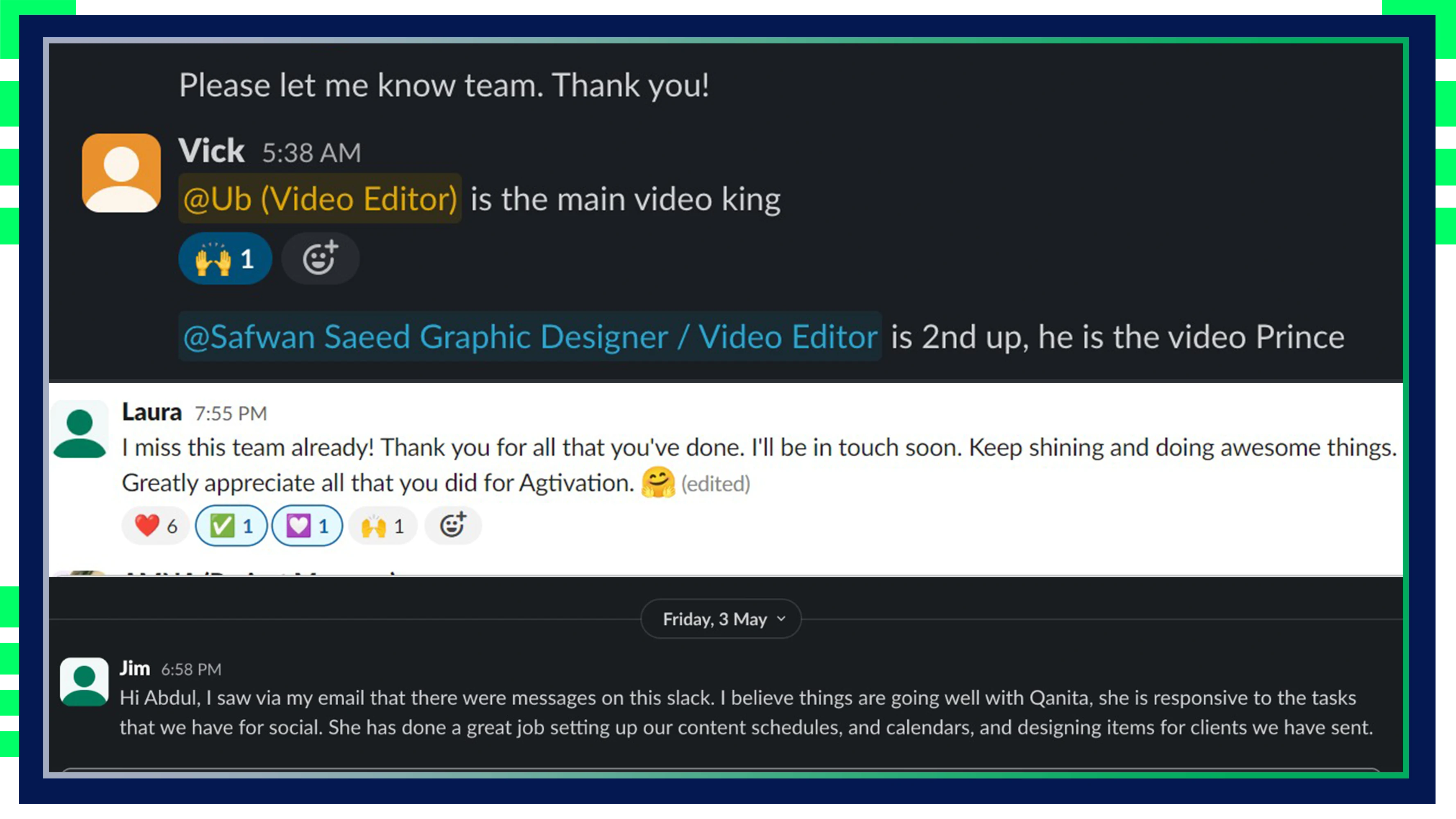
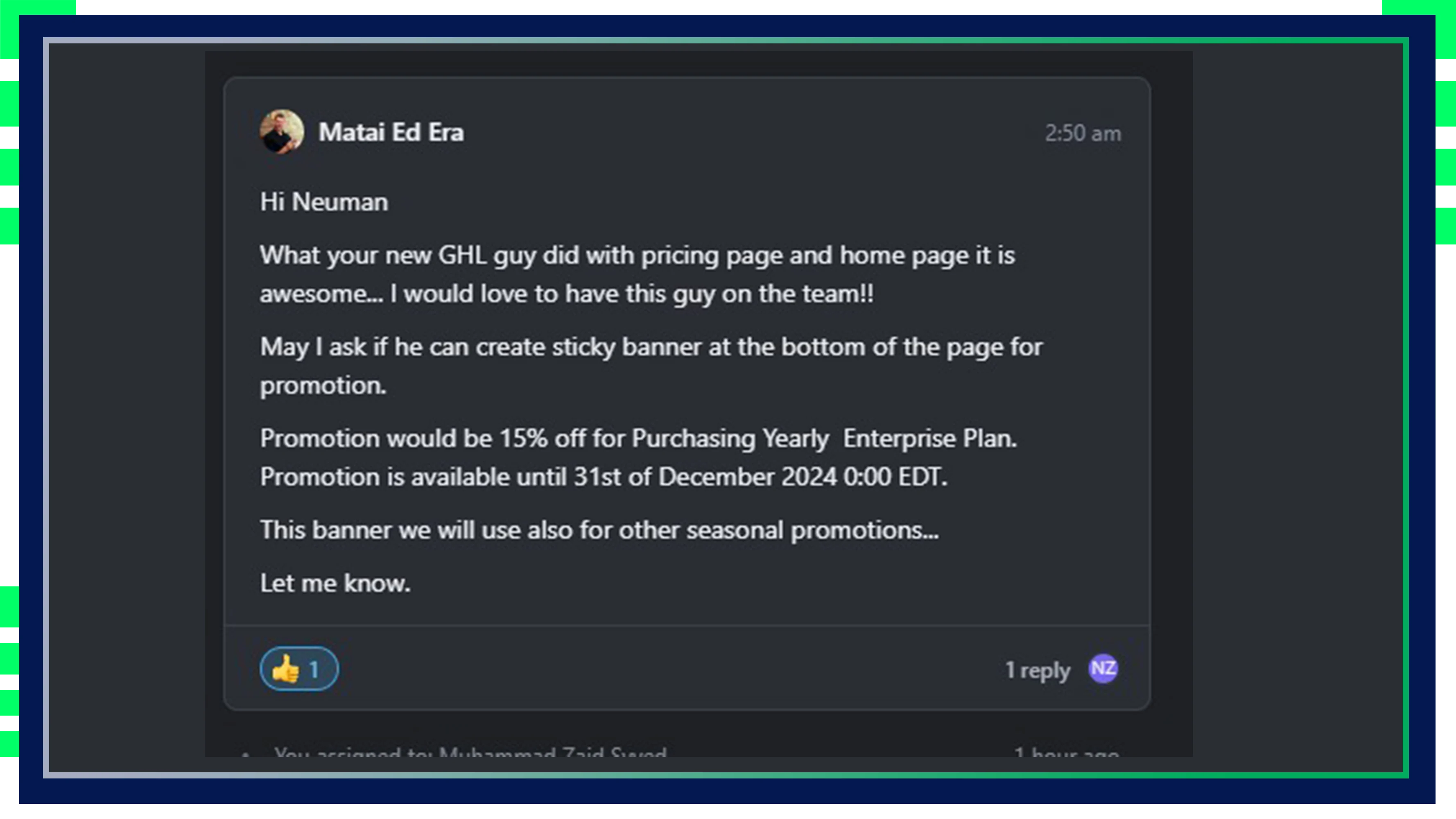
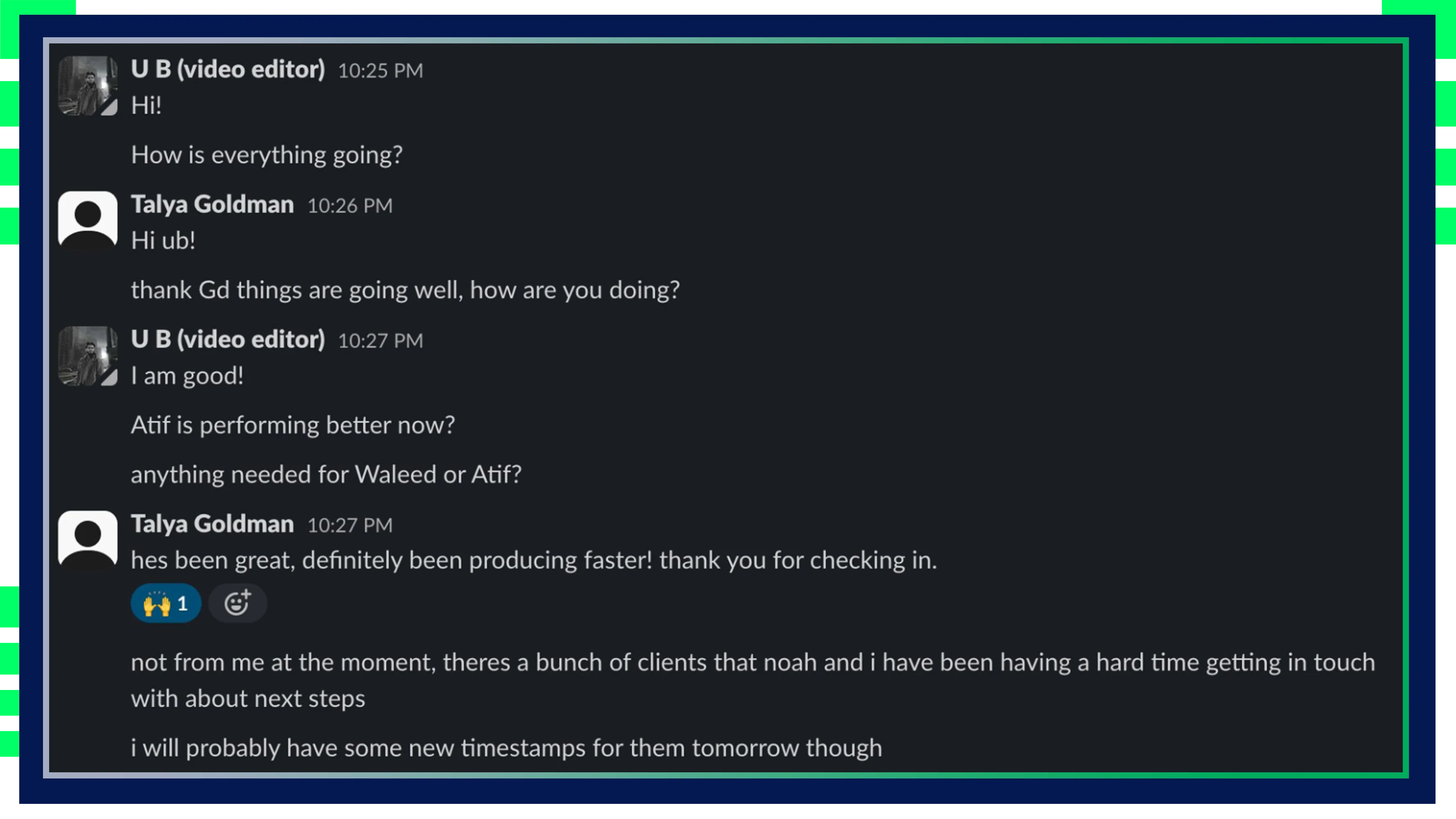
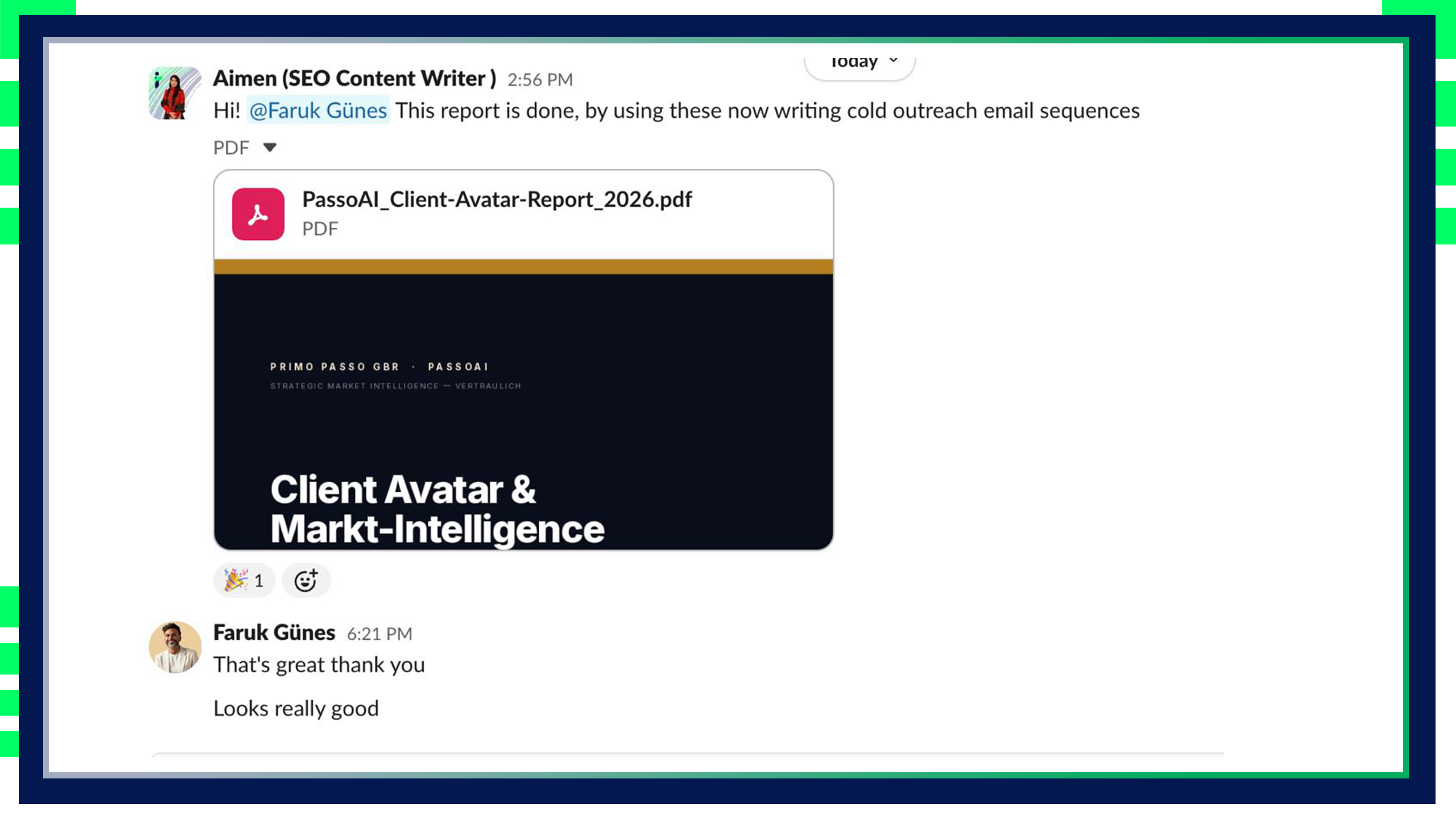
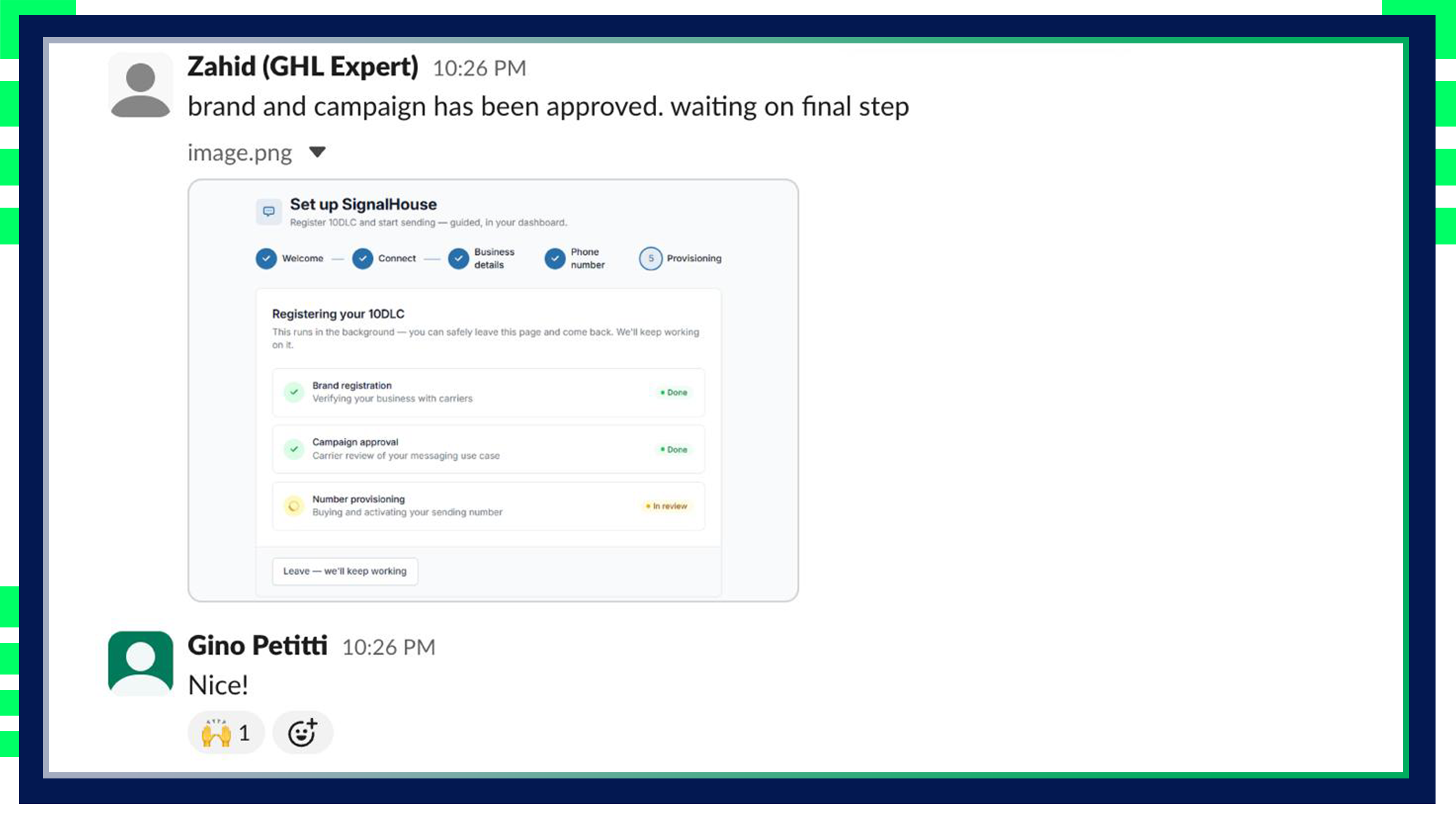
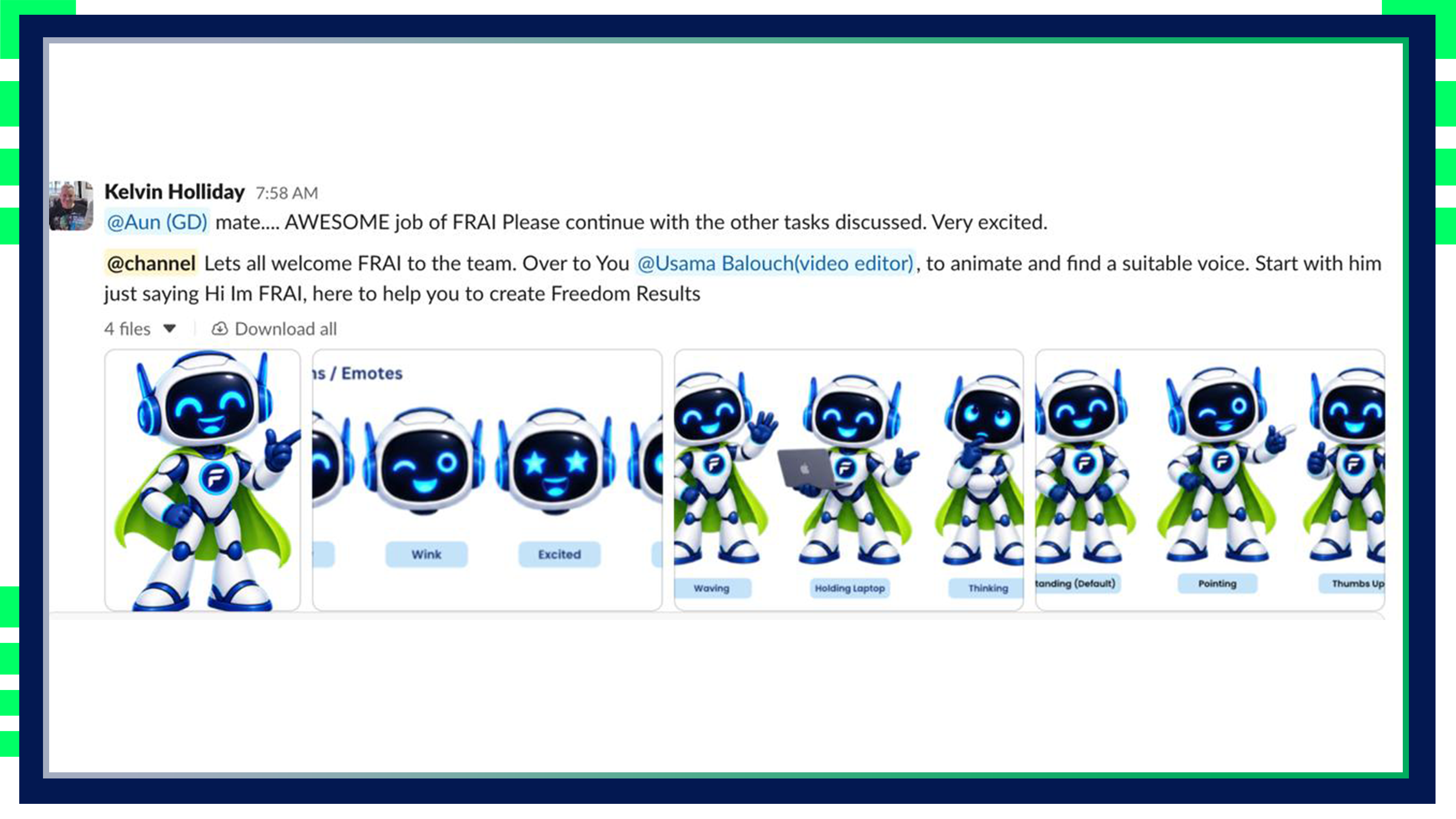
Stop Settling for Random VAs – Experience the Power of Our Managed VAs
Choosing virtual assistants shouldn’t feel hard. We make it easy for you. When you work with us you receive the help of both a professional virtual assistant plus our team’s full expertise for optimized performance.

Elite, Handpicked Talent
Every virtual assistant is carefully selected and trained to drive your business forward, supported by a dedicated project manager.

Work on Your Schedule
Your VA operates in your time zone, with live time tracking so you always know what’s happening, as it happens.

Trend-Ready & Always Improving
Regular brainstorming and trend updates keep our VAS sharp and ready to bring fresh ideas to your business.

Daily Check-Ins, Real Results
Stay in the loop with daily updates on progress and next steps, so you know exactly what’s being achieved and what’s next.
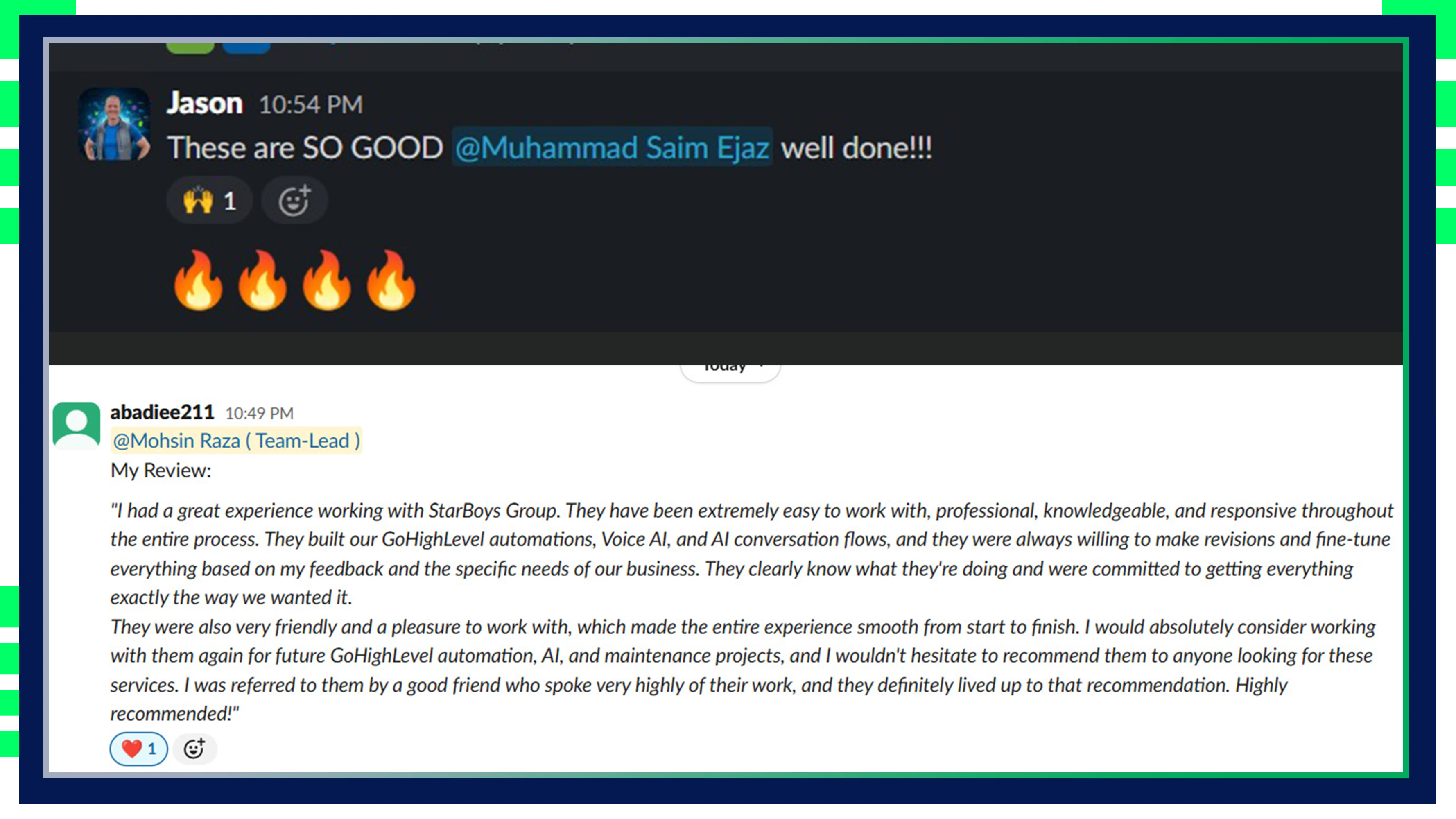
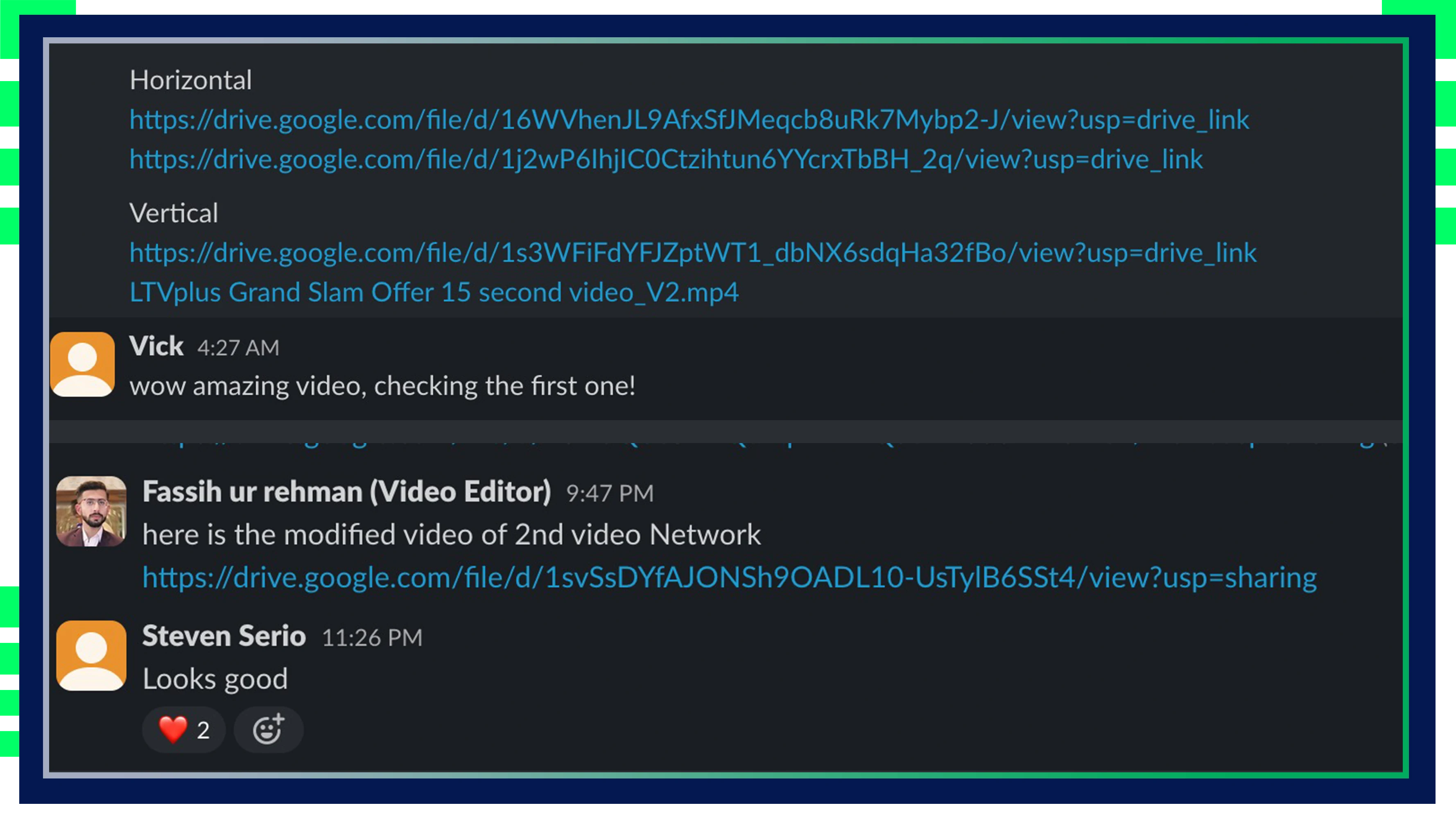
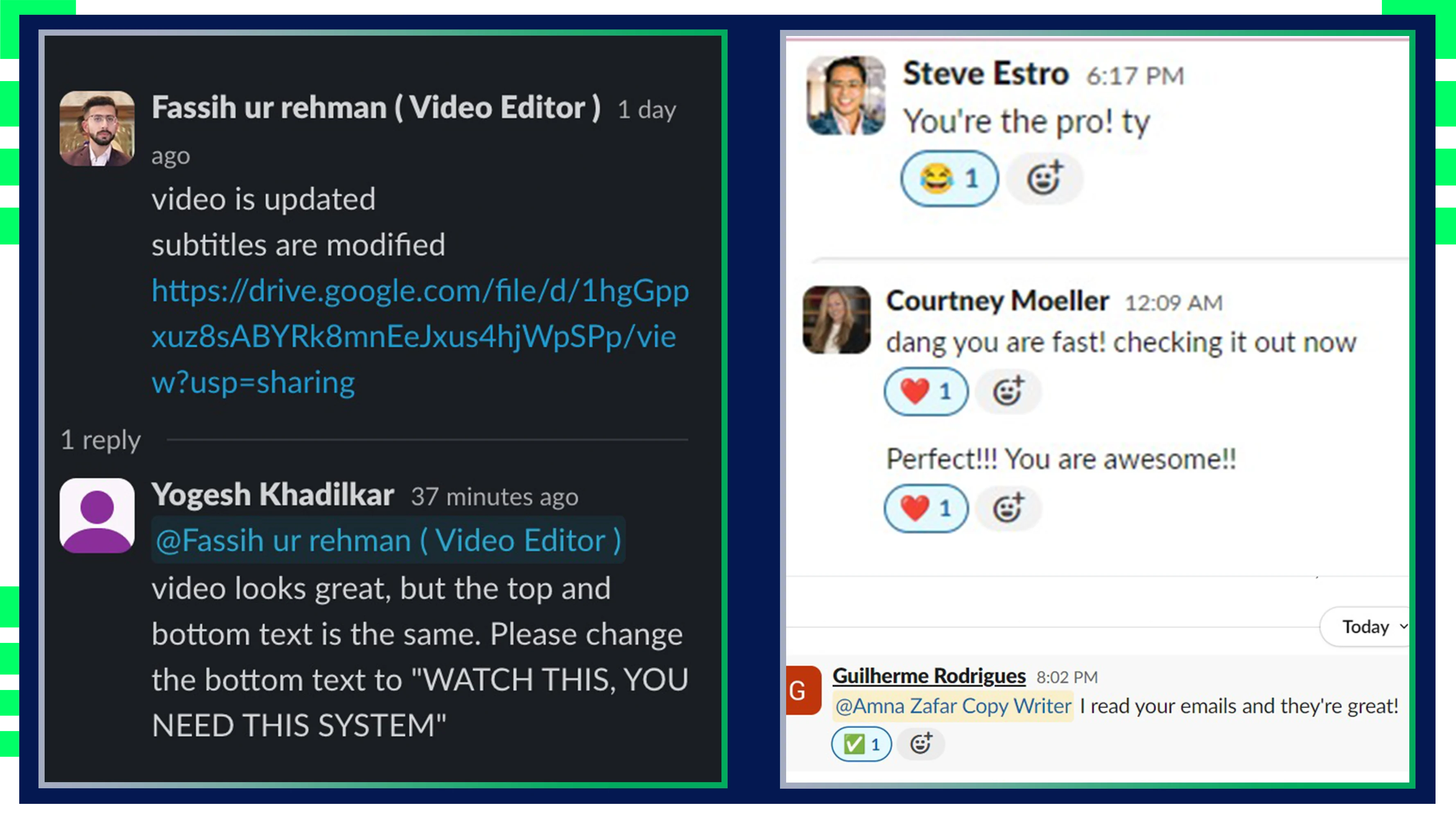
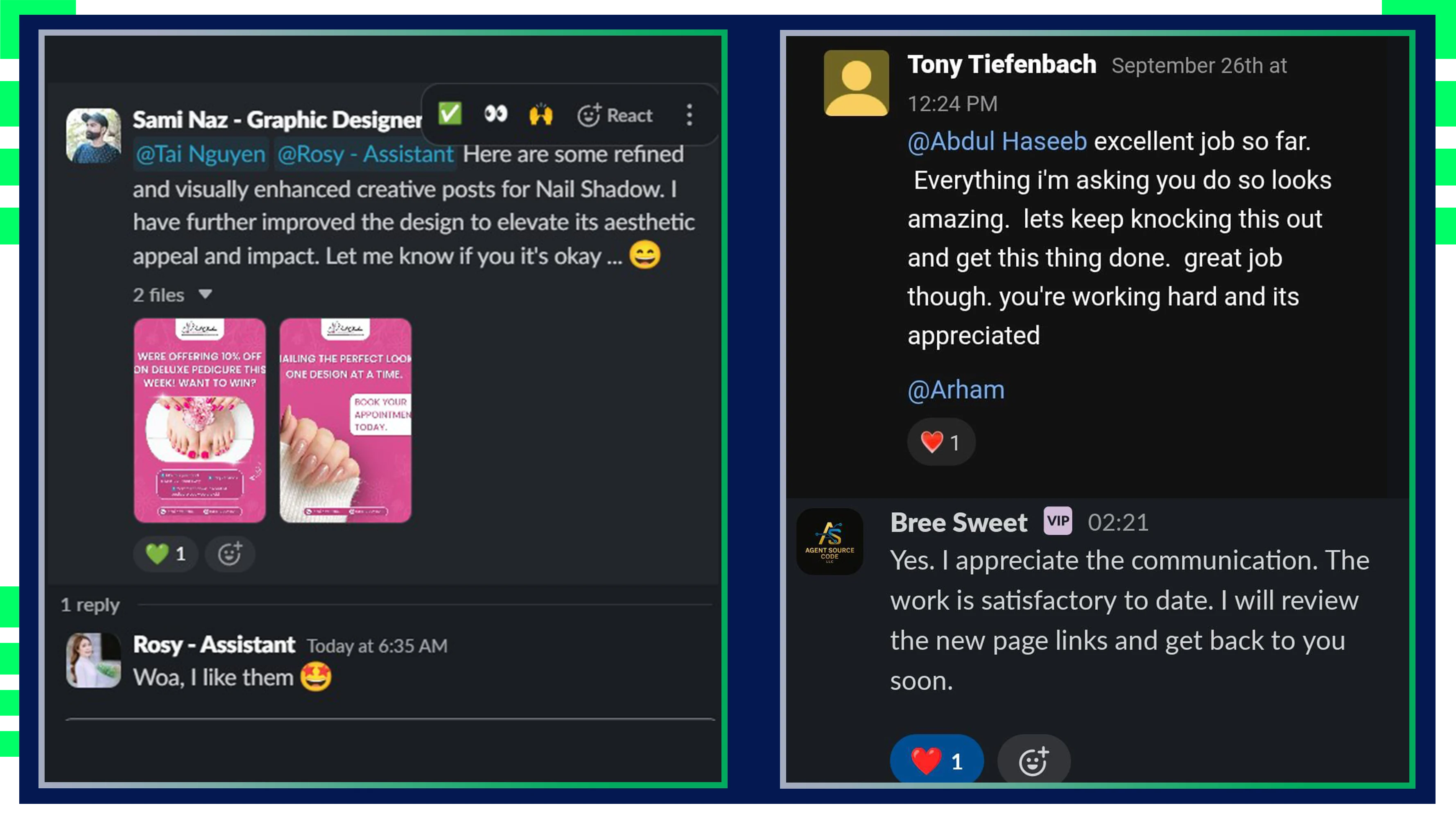
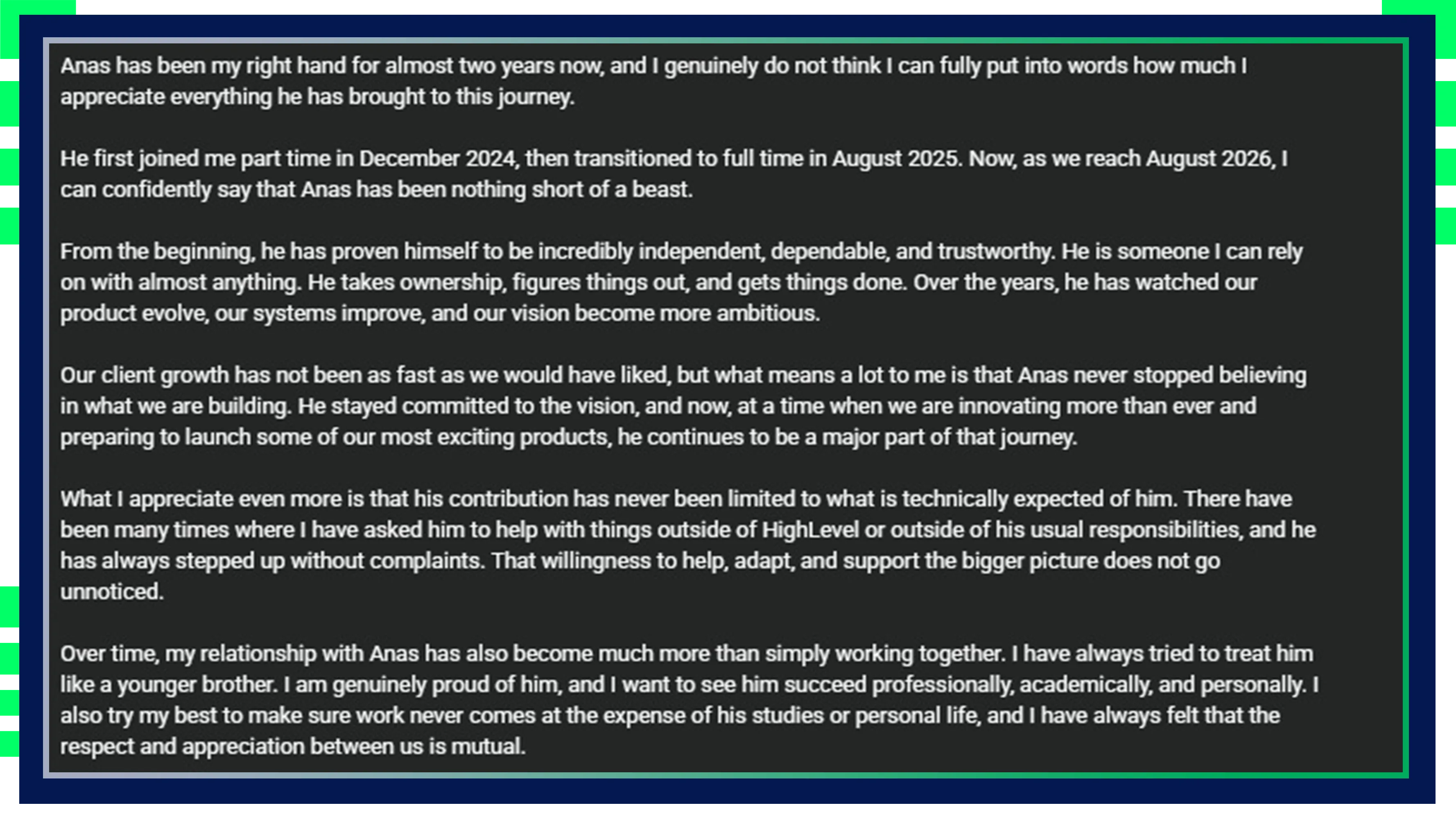
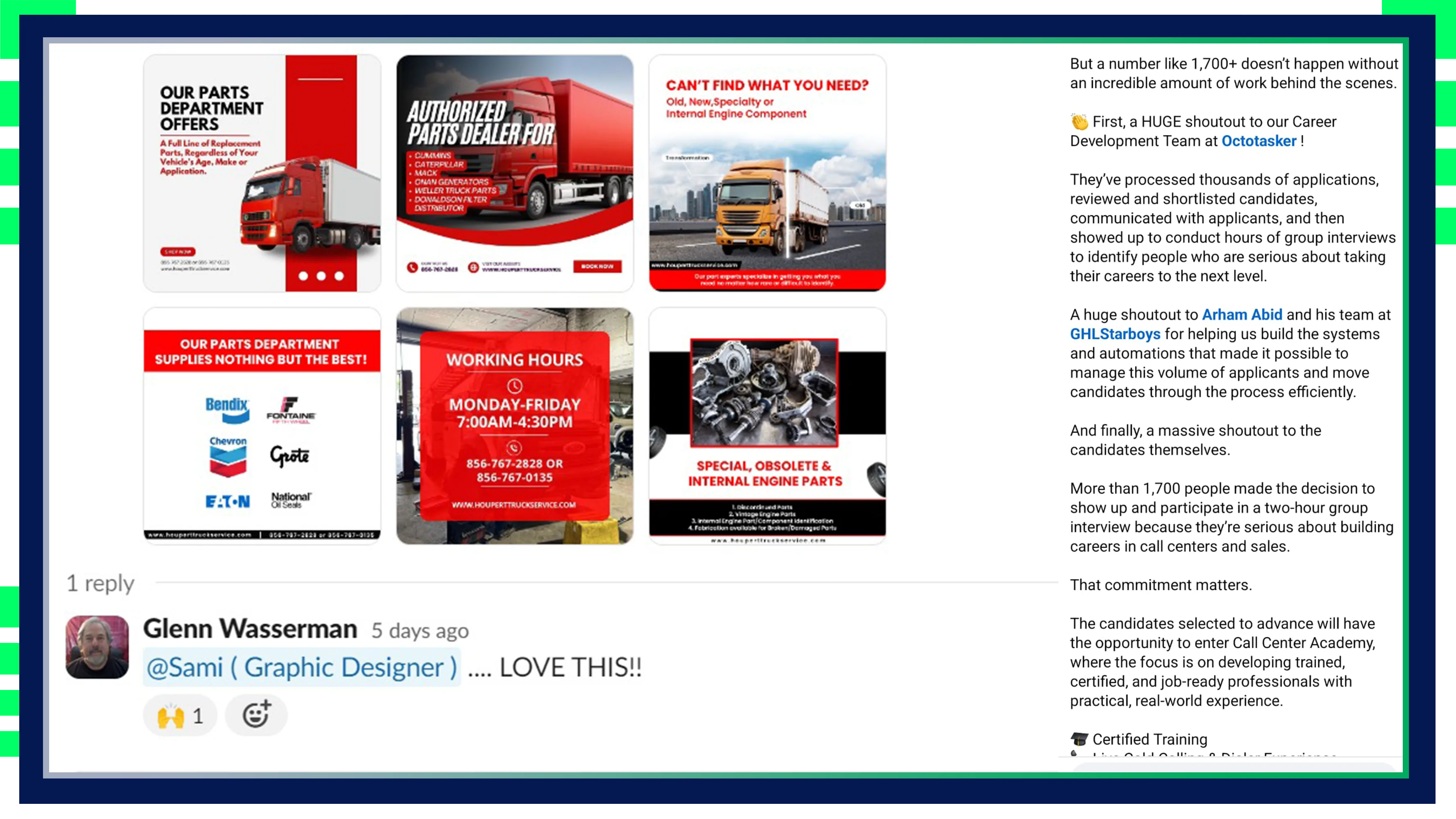
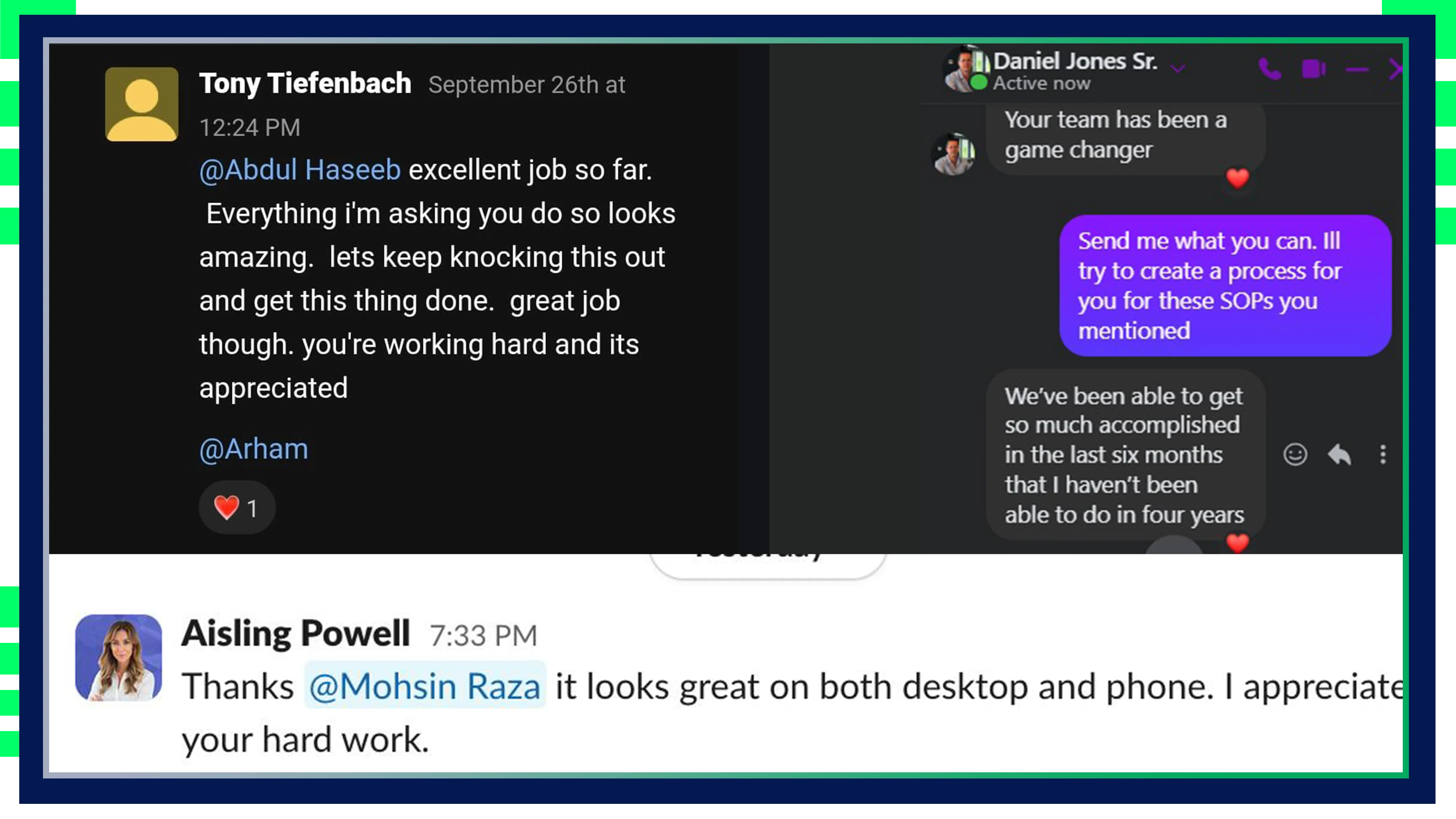
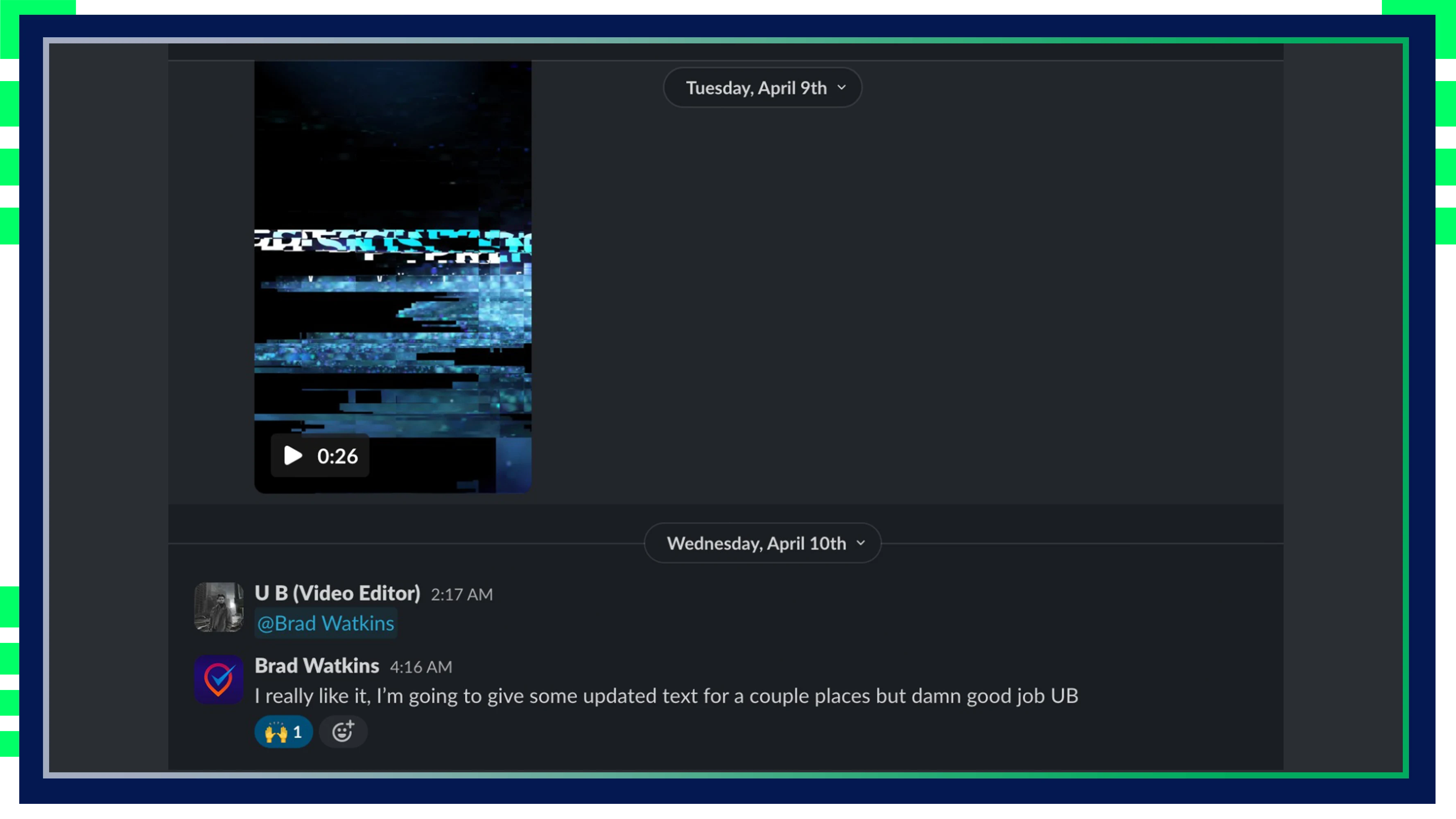
Our Testimonials
Get in Touch With Us



Our services are available 24/7
Book An Appointment
Frequently Asked Questions
Choosing virtual assistants shouldn’t feel hard. We make it easy for you. When you work with us you receive the help of both a professional virtual assistant plus our team’s full expertise for optimized performance.
What makes Rozi Academy’s virtual assistant services different from freelancers?
Rozi Academy offers a fully managed team of affordable virtual assistants, including personal virtual assistants, customer service virtual assistants, and even lead generator virtual assistants. Unlike freelancers, our virtual assistants are backed by an entire team for consistent reliability, support, and professionalism. Whether you’re looking for the best virtual assistant services or virtual assistant packages, we provide tailored solutions to suit your needs.
What types of services do your virtual assistants offer?
Our list of virtual assistant services is extensive and includes CRM virtual assistants, ecommerce virtual assistant services, marketing virtual assistant services, and virtual assistant SEO services. We also offer personal assistant services and virtual administrative assistant services to handle everything from client support to complex project management, making us one of the top-rated virtual assistant companies.
How do your affordable virtual assistant services help with business growth?
Our affordable virtual assistant services are designed to scale with your business, covering everything from lead generation and customer service to virtual administrative services. We focus on providing high-impact support through a dedicated, highly trained team, enabling you to focus on growth. We are one of the top virtual assistant companies known for our commitment to quality and cost-effectiveness.
What is included in your virtual assistant service packages?
Each virtual assistant service package is tailored to client needs and may include virtual executive assistant services, CRM management, SEO, marketing, and more. Our flexible pricing for virtual assistant services makes it easy for businesses to choose a package that best suits their requirements, with options for both one-time and ongoing support.
How are your virtual assistants trained for specific tasks like SEO and customer service?
Our virtual assistants undergo extensive training in specialized areas, such as virtual assistant SEO services, customer service, and ecommerce support. With our skilled team, you’ll have access to the most in-demand virtual assistant services, from marketing to administrative assistance, ensuring high-quality performance in every task.
Are your virtual assistant services available for businesses in the UK?
Yes, Rozi Academy provides virtual assistant services in the UK and worldwide. Whether you’re looking to hire a virtual assistant in the UK or need a PA recruitment agency in London, our services are available to support your unique needs. We work with clients across various regions, providing virtual administrative services, personal assistant services, and more, with tailored support for UK businesses.
Check out our Learning Resources Center

Creating Brand Guidelines: The Ultimate Guide for Businesses
Businesses establish the basis for their brand’s identity and consistency when creating brand guidelines. Such guidelines make sure that a…

Email Marketing Best Practices for Business Growth
Introduction Email marketing is still one of the most effective tools for SaaS founders, agency owners, and digital marketers. Global…
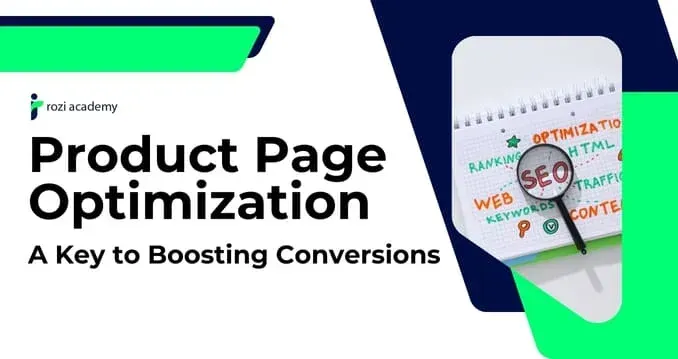
Product Page Optimization: A Key to Boosting Conversions
In the high-paced world of e-commerce, optimization of product pages is essential for sales growth and user experience improvement. Whether…
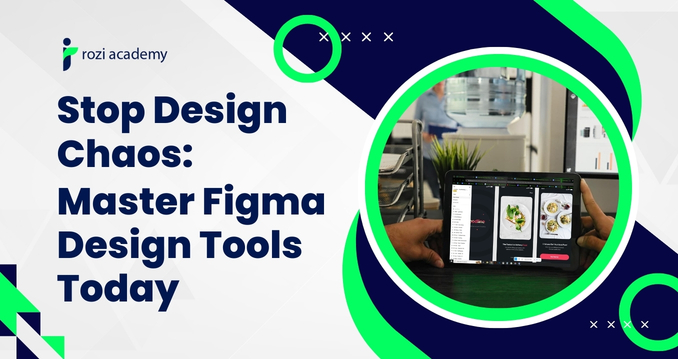
Stop Design Chaos: Master Figma Design Tools Today
Figma Design Tools: The Complete Guide for Marketing Agencies & Remote Teams
It's 11 PM. Your client is waiting on the landing page mockup. But your designer is still fumbling through a desktop file that refuses to open on the developer's machine. Your revision notes are buried across three email threads and a voice note nobody saved. Meanwhile, your competitor down the street just shipped a full campaign refresh in two days.
Sound familiar? You are not alone. Figma's own research shows that despite 84% of designers collaborating with developers at least weekly, miscommunication remains the #1 reported friction point, meaning frequency alone doesn't fix the problem. The tool does. For agency owners trying to scale, that bottleneck doesn't just slow projects down; it burns your margins, frustrates clients, and quietly exhausts your best people.
That's exactly what Figma design tools were built to fix. In this guide, we'll walk you through everything: what Figma actually does differently, why agencies specifically are adopting it at record speed, and how to build a design workflow around it that runs smoothly whether your team is in London or Los Angeles.
What Are Figma Design Tools? (And Why Agencies Are Obsessed With Them)
Figma is a cloud-based collaborative UI/UX design platform that lets your entire team, including designers, developers, project managers, and even clients, work inside the same live file, at the same time, from any browser in the world. No installs, and there are no version conflicts. No 'which file is the actual final one?' panic at 9 AM.
But here's what separates Figma from tools like Adobe XD or Sketch: it doesn't just host your design files. It becomes the single source of truth for your entire creative operation. Components update across every file the moment you edit them. Clients leave feedback directly on the canvas. Developers get pixel-perfect specs without a single back-and-forth email.

The Three Features That Change Everything for Agencies
Component Libraries: Build reusable design elements, such as buttons, headers, cards, form fields, and deploy them across every client project instantly. Update one component, and it syncs everywhere automatically. For agencies juggling five or ten clients simultaneously, this single feature saves hours every single week.
Auto Layout: Figma elements resize and reposition themselves as content changes. That social media template your designer built for Instagram? It adapts to Facebook and LinkedIn dimensions without rebuilding from scratch. This is not a small thing when you're producing content at volume.
Design Tokens: Store your brand colors, typography, and spacing as reusable variables. Every deliverable stays on-brand consistently without relying on anyone to remember a hex code or check a style guide.
Figma Real-Time Collaboration: How It Kills Design Bottlenecks
Most agency design workflows are not actually workflows. They're email threads with attachments. They're Slack messages asking, 'Which version did you send the client?' There are two designers accidentally overwriting each other's work on the same file at the same time.
Figma real-time collaboration fixes this at the root level. The moment your designer opens a file, every collaborator sees their cursor moving across the canvas live. You can jump into the same frame, drop a comment with @mentions, and resolve feedback without ever leaving the design environment. Everything is tracked. Nothing gets lost.
The practical outcome is significant. A Nielsen Norman Group study found that teams using collaborative design platforms reduce feedback cycle time by up to 45%. For an agency billing by the project, that's not just a productivity improvement. That's the capacity to take on more clients without hiring more people.


Figma Multiplayer Design: Your Whole Team Working Simultaneously
If real-time collaboration is Figma's heartbeat, multiplayer design is its superpower. Multiple designers sitting in entirely different countries can work on the exact same file at the same time. One handles the mobile layout while another builds the desktop version. Neither steps on the other's work. Neither waits.
For remote agencies and teams working with virtual assistants across time zones, this changes the entire operating model. You're no longer passing files across shifts like a relay baton. Your overnight VA picks up exactly where your in-house designer left off, same file, same canvas, same context. No Monday morning briefings. No 'catch me up' calls.
Figma's branching feature takes this even further. Teams can create separate branches of a design file as code branches, experiment freely, and merge changes back into the main file only when approved. A/B testing design concepts on an active project without touching the approved version. This is how professional design teams operate.
Figma for Remote Teams: The Setup That Actually Works
Setting up Figma for a remote team is not complicated. But there is a right way to do it, and most agencies skip the foundational steps that make it actually perform under pressure.
Start with a shared Team Workspace under Figma's Organization plan. This is your agency's central hub, the single place where every client project, design system, and template lives. Within this workspace, build a Master Component Library, a dedicated file holding every reusable element your team will ever need. Brand it properly. Every new client project pulls from it.
Next, establish file naming conventions before onboarding anyone new. A structure like 'ClientName_ProjectType_Version_Status' sounds administrative and boring. It is also the difference between a team that ships on deadline and one that spends 20 minutes every morning hunting for the right file.

Figma Handoff to Developers: Stop the Back-and-Forth for Good
The design-to-development handoff is where most agency projects quietly bleed time. Developers ask questions. Designers re-explain. Someone guesses a spacing value. The final build looks nothing like the mockup. The client pushes back. You've been in this meeting before.
Figma's Inspect mode ends it entirely. When a developer clicks on any element in a Figma file, they see its CSS properties, spacing values, font details, color codes, and export settings generated automatically from what the designer built. Nothing needs to be measured or typed out. Everything is already there.
But Inspect mode only works when the design file is built correctly. Poorly named layers, ungrouped elements, and missing auto layout produce messy specs that confuse developers just as much as a PDF mockup would. This is the difference between a designer who knows Figma and a Figma-trained specialist who builds files the way a developer needs to read them. That distinction matters more than most agency owners realize.
Want to go deeper on this? Smashing Magazine’s guide “Everything Developers Need to Know About Figma” is one of the most cited practical breakdowns of the Figma developer handoff process available online, written for developers by developers, and regularly updated.

Figma vs Other Design Tools: The Honest Comparison
The question comes up constantly: why Figma over Adobe XD, Sketch, or Canva? Here is the straightforward answer, without the marketing framing.
Figma vs Adobe XD: Adobe XD is effectively being discontinued. Following the collapse of Adobe's attempted acquisition of Figma in 2023, XD has received minimal updates since. If your team is still on XD, migrating to Figma is not a preference; it is a business continuity decision.
Figma vs Sketch: Sketch is Mac-only and requires a local installation. For agencies with mixed Mac/PC teams or remote VAs on different operating systems, this is a structural dealbreaker. Figma runs in any browser on any device, making it the only truly cross-platform, cross-team professional design tool available today.
Figma vs Canva: Canva is excellent for quick social graphics, and it serves that purpose well. It is not a professional UI/UX or web design tool. If your agency builds landing pages, app interfaces, or anything requiring a clean developer handoff, Canva cannot do what Figma does. They are not competitors; they serve entirely different needs.
Frequently Asked Questions About Figma Design Tools
What is Figma, and what is it used for?
Figma is a browser-based design tool for creating UI/UX designs, prototypes, and brand assets collaboratively in real time, accessible by your entire team from anywhere.Is Figma free to use for teams?
Yes, Figma's free Starter plan supports up to 3 projects, while the Professional plan at $12/editor/month unlocks unlimited projects, shared libraries, and advanced permissions.Can multiple people work on Figma at the same time?
Yes, Figma's multiplayer feature lets unlimited team members work inside the same file simultaneously, with each collaborator's cursor visible and changes syncing instantly.How does Figma's handoff to developers work?
Figma's Inspect mode auto-generates CSS properties, spacing, fonts, and color codes from any design element, eliminating spec documents and reducing designer-developer miscommunication entirely.Is Figma better than Adobe XD for agencies?
Yes Adobe XD is no longer actively developed post the failed 2023 acquisition, making Figma the clear choice with superior collaboration, browser access, and a larger plugin ecosystem.Does Figma work offline?
Figma works best online, but its desktop app allows limited offline editing with all changes syncing automatically once your internet connection is restored.What is the difference between Figma and FigJam?
Figma is for production design work like UI/UX and prototypes, while FigJam is Figma's separate whiteboard tool built for brainstorming, flowcharts, and team planning sessions.How do I get started with Figma for my marketing agency?
Create a free account, set up a shared Team Workspace, build a Master Component Library, establish file naming conventions, and your agency can be fully operational within two weeks.
Ready to Run Figma Like a Pro: Without Doing It Yourself?
Figma is genuinely powerful. But power only produces results when the person using it genuinely knows what they're doing. Setting up scalable component libraries, maintaining clean file structures, managing developer handoffs correctly, handling client revision rounds without chaos, these are skills that take real practice to do well under agency pressure.
That time and practice are something you probably don't have. You're running a business. You need someone who already has it.
Hire a Figma-Expert VA: Starting at Just $5/Hour
Our Graphic Designer VAs are trained specifically in agency Figma workflows: clean file architecture, developer-ready handoffs, design systems & on-brand client deliverables.
Book Your Free Discovery Call at roziacademy.com
Start in 24 hours · From $5/hour · No long-term contracts
The Bottom Line
Figma is not a trend that agencies are experimenting with. It is the new infrastructure of professional design work, and agencies that build their operations around it are not just working faster. They're communicating more clearly with clients, delivering cleaner work to developers, managing distributed teams more efficiently, and producing a consistently better product than agencies still working the old way.
But adopting Figma well is not just about switching tools. It's about building the right habits, the right file structures, and the right team around it. Whether you bring a specialist in-house or partner with a trained VA who lives inside Figma every single day, the investment pays for itself before the first project closes.
The agencies winning right now are not the ones with the largest budgets. They are the ones who made smarter operational decisions earlier. Figma is one of those decisions.
Custom HTML/CSS/JAVASCRIPT


Being a leading virtual assistant company, RoziAcademy offer you with a proactive, tech-savvy, self-starter virtual assistants across a range of sectors.
Resources
Services
Contact Us
30 Riverhead Close, London, England, E17 5PY
312 SW GREENWICH DR LEES SUMMIT, MO 64082
UAE: 056 208 9979
USA: 816 219 8853
Copyright 2026. Rozi Academy . All Rights Reserved.